
Chrome Extension — 2,000+ users
Personalized Emails.
Right Where You Work.
Autobound lives inside LinkedIn, Gmail, Outreach, Salesloft, and HubSpot. One click generates emails using 350+ buyer signals. Install in 30 seconds.
How it works
Install. Browse. Send.
Install in 30 seconds
One click from the Chrome Web Store. No configuration, no admin approval.
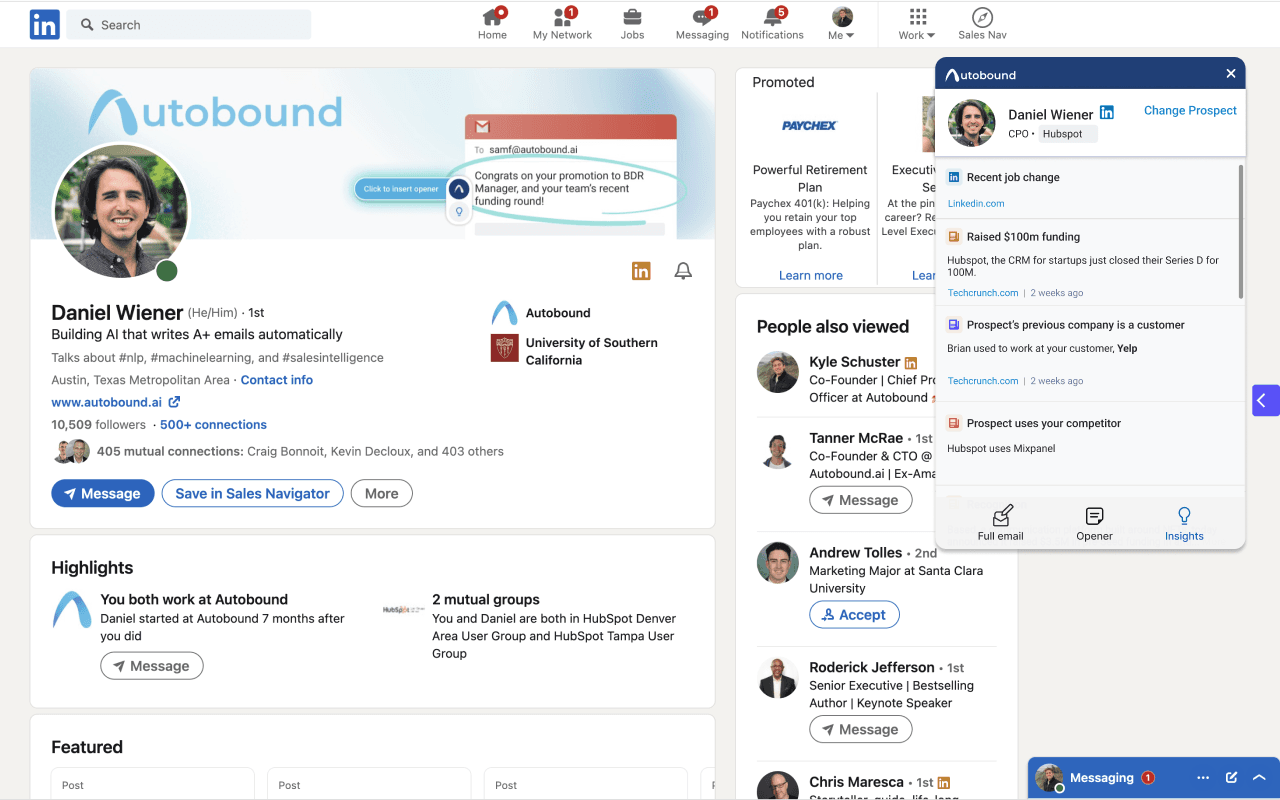
Prospect is detected
Visit a LinkedIn profile, open an email, or navigate your CRM. Autobound identifies the recipient automatically.
Personalized email, one click
AI scours millions of data sources and generates emails proven to start conversations. Insert directly into your compose window.
Research happens
behind the scenes
When you're viewing someone's profile, Autobound is already researching them, their industry, and their company. Click the icon to see personalized emails, openers, and relevant insights — all tailored to that specific person.
Try it on LinkedIn
Outreach
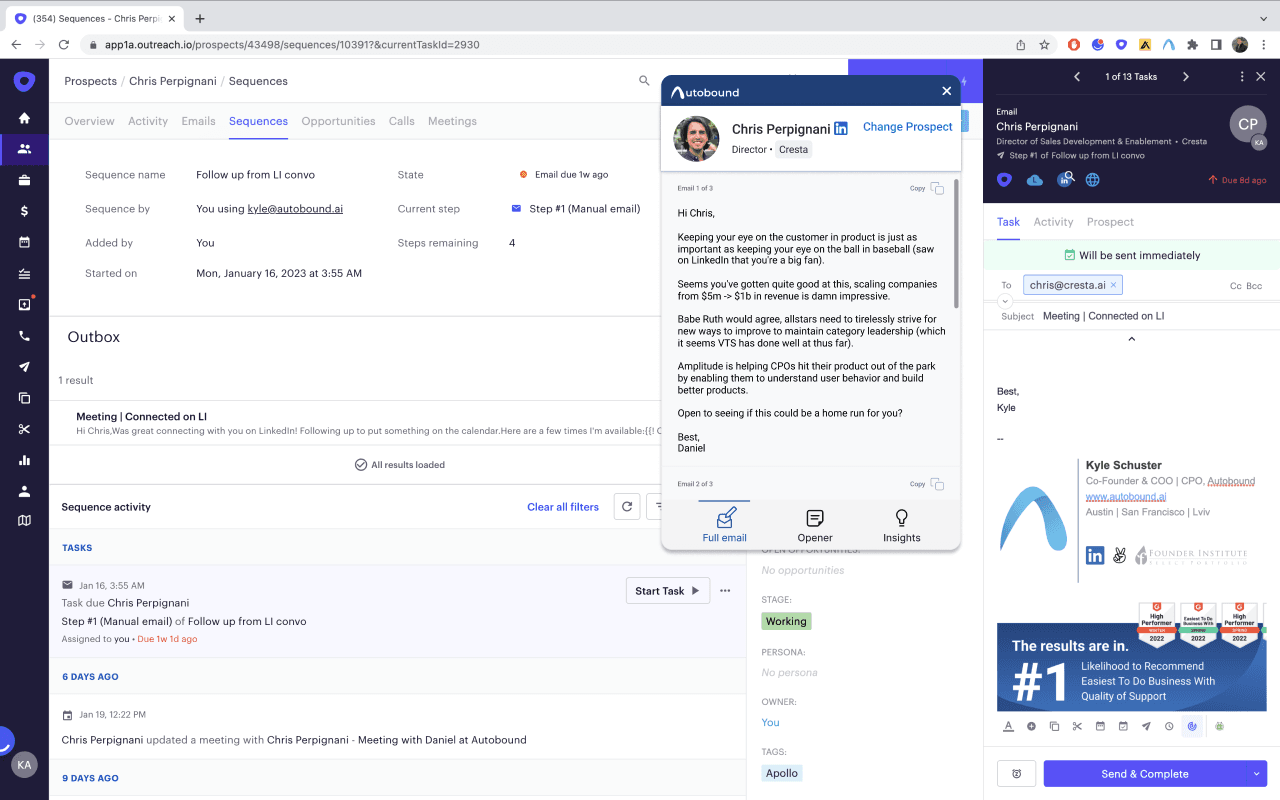
Personalized content
inside your sequences
Enter a recipient's email and Autobound generates AI-written emails matched to their signal profile. View suggested emails and openers, then insert directly into your sequence — no tab switching.
Try it in OutreachHubSpot & CRMs
Signal-enriched outreach
from your CRM
Pull prospect context from HubSpot, Salesforce, or any CRM. Autobound layers in real-time signals — funding rounds, job changes, earnings calls, tech stack shifts — to generate emails that feel hand-researched.
Try it in your CRM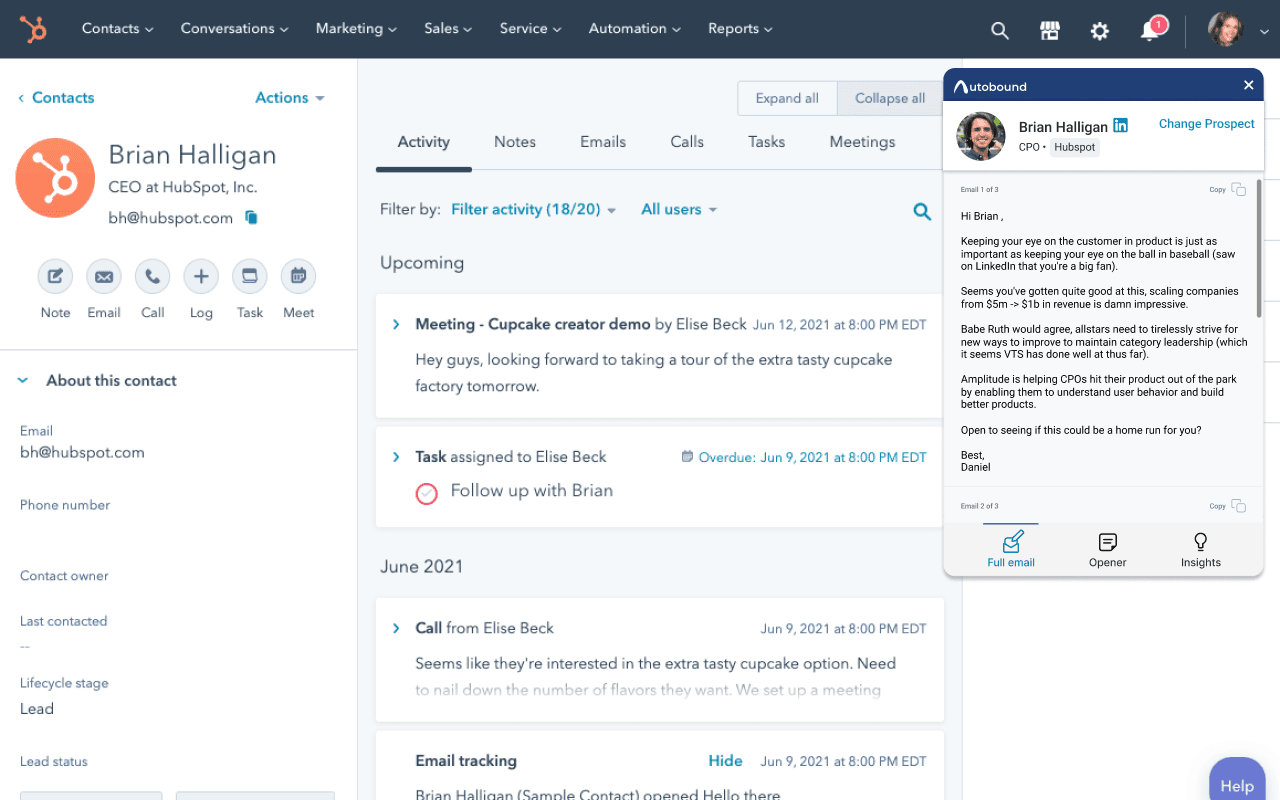
350+ buyer signals
What Powers the Personalization
Individual-Level
Job changes, promotions, LinkedIn posts, podcast appearances, interests, schools attended, work anniversaries. Plus shared experiences — same company, city, or mutual connections.
Company-Level
Funding rounds, acquisitions, press releases, product launches, competitive technologies, job openings, earnings calls, SEC filings, investor names, and more.
Sales professionals
Companies
Buyer signals
G2 reviews







Start Personalizing
in Minutes
Install the extension and generate your first personalized email in under 60 seconds. Free forever — no credit card required.
No credit card · Included on all plans · 4.9/5 on G2