

Import, Enrich, and Export AI-Personalized Content via HubSpot
Connect Autobound to HubSpot to pull contacts from any list, generate hyper-personalized emails and sequences powered by 700+ buyer signals, and push the finished content back into HubSpot -- ready for workflow automation.
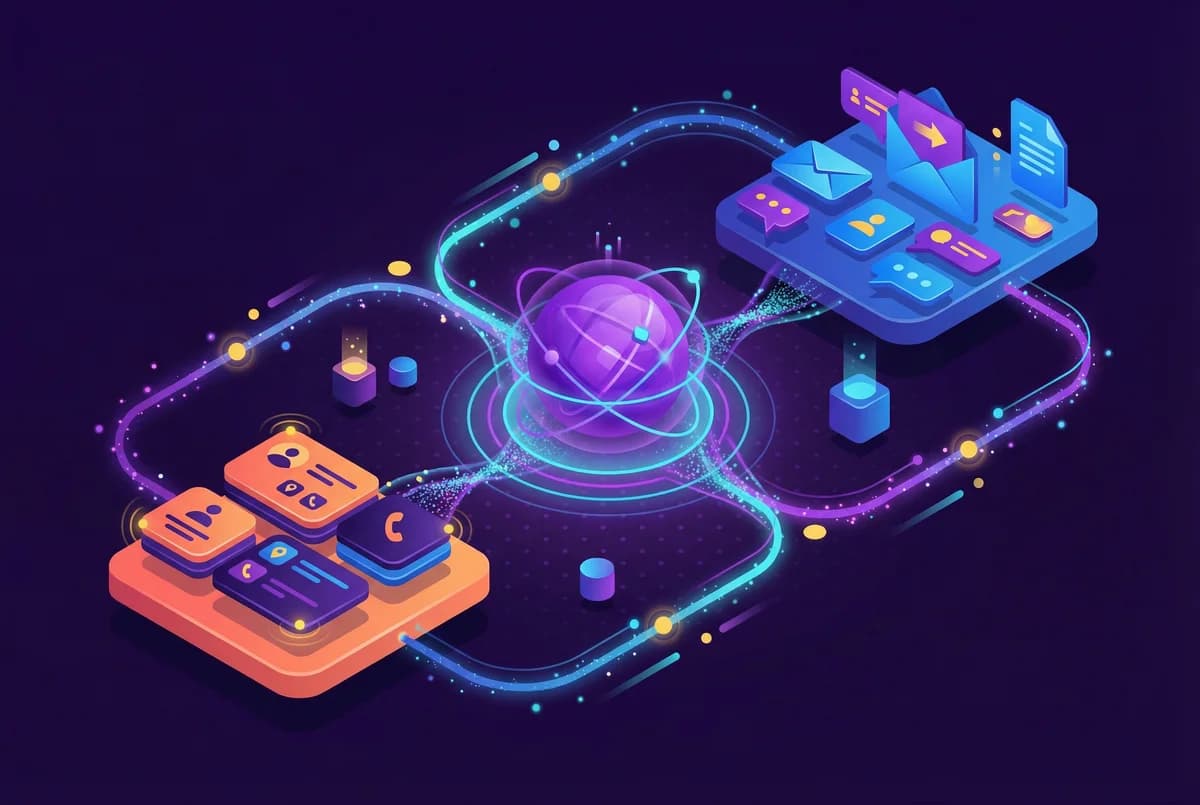
Automate AI-Powered Personalization Across Your Entire HubSpot Workflow with HubSpot
Pull contacts from HubSpot lists, generate AI-personalized outreach at scale, and push content back into HubSpot custom fields for automated sequencing.
Key capabilities
What Autobound + HubSpot unlocks for your team.
Import from Any HubSpot List
Pull contacts from any static or active HubSpot list. Autobound maps email, LinkedIn URL, first name, and custom Contact properties directly into campaign columns.
Continuous Hourly Sync
Toggle on continuous import to automatically pick up new contacts added to your HubSpot list every hour -- no manual re-imports required.
Export to Custom Properties
Push AI-generated content into HubSpot custom Contact properties. Map each content step to fields like "Autobound Content 1" through "Autobound Content 10" for use in sequences.
HubSpot Workflow Triggers
Use HubSpot workflows to automatically enroll contacts into sequences, create tasks, or send notifications when Autobound populates custom content fields.
BCC CRM Logging
Every email sent through AI Studio is automatically recorded on the HubSpot Contact timeline via BCC logging -- no manual data entry required.
Multi-Portal Support
Connect multiple HubSpot portals for enterprise teams managing separate business units, regions, or client accounts from a single Autobound workspace.
How it works
Get up and running with HubSpot in 4 simple steps.
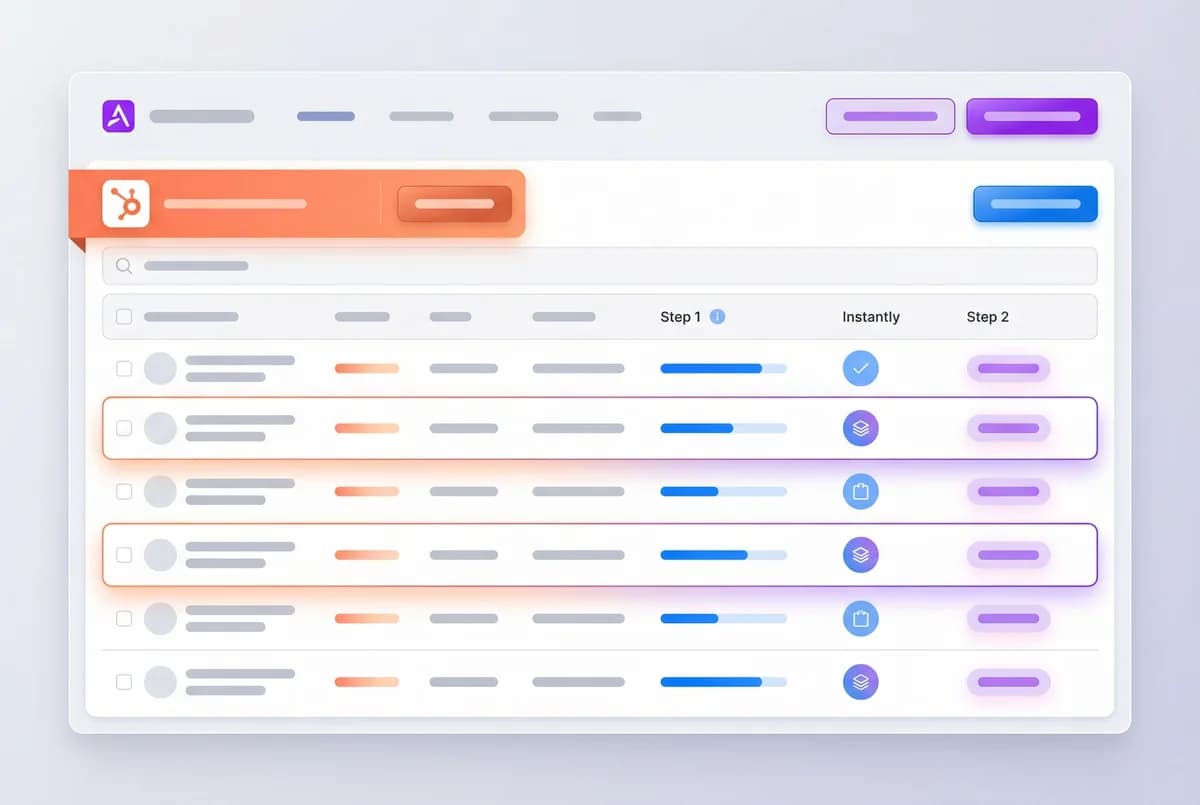
Import Contacts from HubSpot
Connect your HubSpot portal via OAuth in AI Studio and select any static or active list as your contact source. Autobound maps HubSpot Contact properties -- email (required), LinkedIn URL, first name, and custom fields -- directly into campaign columns. Field retrieval takes about 30 seconds after list selection.
Support for multiple HubSpot portals lets enterprise teams pull from different business units or regions. Toggle on continuous import for automatic hourly sync, so new contacts added to your HubSpot list are picked up without manual intervention.
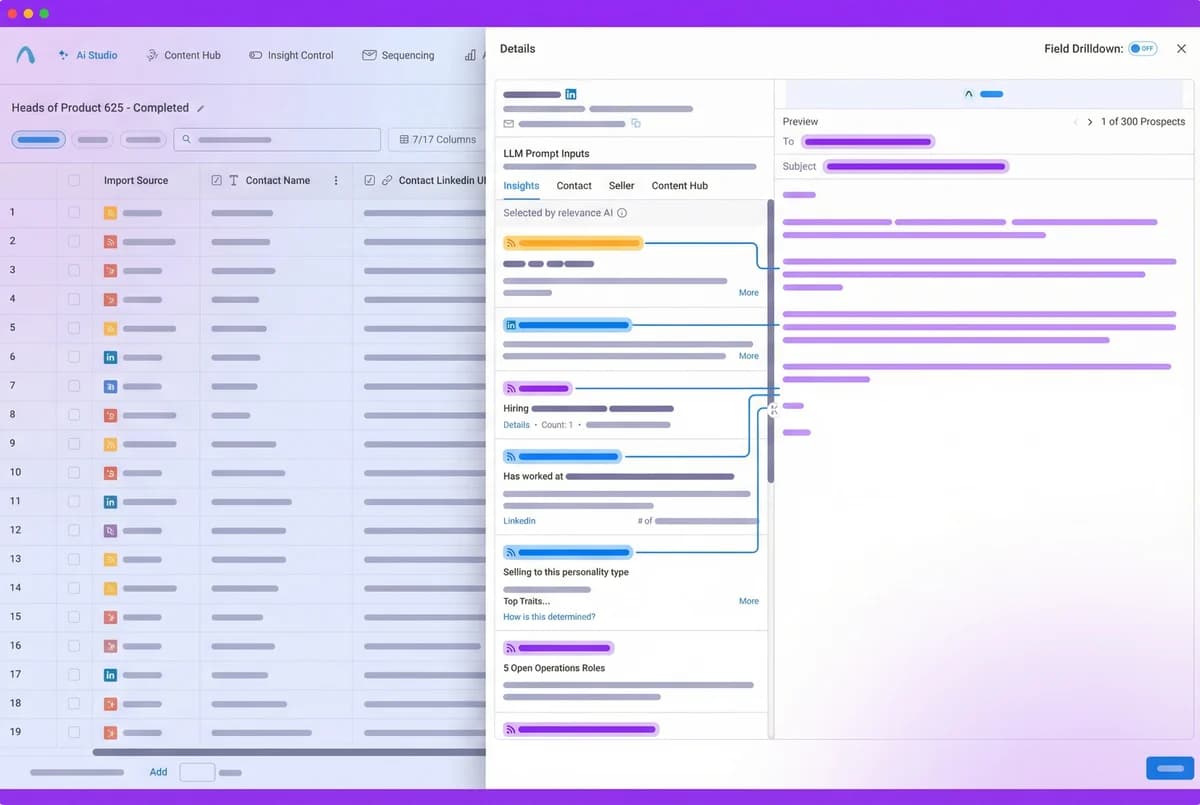
Generate AI-Personalized Content
Autobound's AI engine researches each imported contact in real time, pulling from 700+ buyer signals -- funding rounds, leadership changes, hiring surges, tech stack shifts, earnings calls, product launches, and more. For every contact, it generates fully written emails, LinkedIn messages, and call scripts that weave relevant signals into compelling, human-sounding outreach.
Content Hub lets you define your value propositions, messaging frameworks, and brand voice. Autobound auto-selects the right value prop for each prospect based on their signals, so the output is not just personalized -- it is strategically aligned to what matters to each buyer.
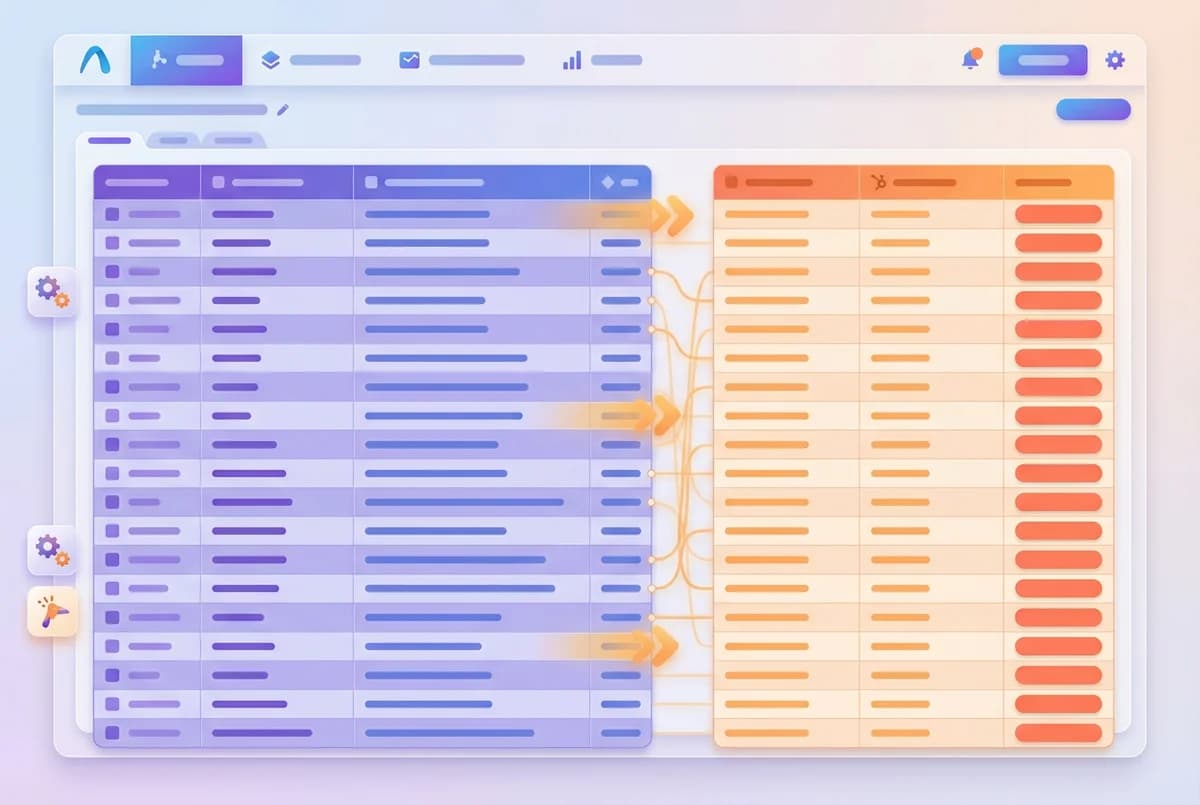
Export Content to HubSpot
Autobound pushes AI-generated content directly into HubSpot Contact custom properties. Create multi-line text fields like "Autobound Content 1" through "Autobound Content 10" on your Contact object, then map each content step to its corresponding field.
Always map the HTML version of content for correct formatting and paragraph breaks. HubSpot Sequences can then pull from these fields using personalization tokens like {{ contact.autobound_content_1 }}. Use HubSpot workflows to automatically enroll contacts into sequences when custom content fields populate -- no manual handoff required.
Log, Track, and Scale
Set up BCC logging by copying HubSpot's unique BCC address from Settings > Objects > Activities and pasting it into your Gmail or Outlook integration settings in Autobound. Every email sent through AI Studio is automatically recorded as an activity on the HubSpot Contact timeline -- no manual data entry required.
Run campaigns in Autopilot mode for fully automated sending at scale, or use Copilot mode to review and approve each message before it goes out. Scale from a handful of strategic accounts to tens of thousands of contacts, each receiving unique, signal-driven outreach. Teams consistently report significant lifts in reply rates and meetings booked when using AI-personalized campaigns at scale.
Why CRM-First Outreach Wins
Your CRM is already the single source of truth for your revenue team. It contains the accounts you are targeting, the contacts you are engaging, and the deal stages you are tracking. The problem is that most outreach tools sit outside the CRM, creating data silos and forcing reps to manually copy information back and forth.
Autobound's HubSpot integration eliminates that gap. By importing directly from HubSpot lists and exporting finished content back to HubSpot Contact fields, your entire outreach workflow stays inside the CRM ecosystem. Reps never leave HubSpot. Ops teams never chase missing data. And every piece of outreach is automatically enriched with signals that go far beyond what lives in your CRM -- funding data, technographic changes, hiring patterns, and competitive intelligence that Autobound surfaces in real time.
How the Integration Works Under the Hood
The Autobound-HubSpot integration runs through AI Studio, Autobound's campaign orchestration platform. Here is the workflow:
Connect: Authenticate your HubSpot portal via OAuth. Multiple portal connections are supported for enterprise teams managing separate business units or regions.
Import: Select any HubSpot static or active list as your contact source. Autobound maps standard and custom Contact properties to campaign fields. Hourly sync ensures new contacts added to the list are automatically picked up.
Generate: Autobound researches each contact against 700+ real-time signals and generates unique outreach content. Content types include single emails, multi-step sequences, LinkedIn messages, and call scripts. Content Hub ensures every message aligns with your approved value propositions and brand guidelines.
Export: Finished content is pushed to HubSpot custom fields on the Contact object. You configure which fields receive which content types. HubSpot workflows can then trigger sequences, tasks, or notifications based on field population.
Track: BCC logging records sent emails as HubSpot activities. Engagement data flows back for reporting and pipeline attribution.
For Teams Already on HubSpot
If your team already runs on HubSpot Sales Hub or Marketing Hub, the Autobound integration slots directly into your existing workflows. Use HubSpot workflow triggers to automatically enroll contacts into sequences when Autobound populates their custom fields. Pair with HubSpot Sales Hub sequences for multi-touch follow-up, or use Marketing Hub email tools for high-volume nurture campaigns.
The integration works with all HubSpot subscription tiers that support custom Contact properties and workflows. Teams on Sales Hub Professional or Enterprise get the most value from workflow-triggered automation, while teams on Starter can still import, generate, and export content manually.
For teams using HubSpot alongside Outreach, Salesloft, or other sales engagement platforms, Autobound can serve as the AI personalization layer that feeds content to multiple downstream systems through HubSpot as the central hub.
Frequently asked questions
Which HubSpot plans work with Autobound?
The Autobound integration works with all HubSpot subscription tiers that support custom Contact properties. Teams on Sales Hub Professional or Enterprise get the most value because they can use workflow-triggered automation to enroll contacts into sequences when Autobound populates content fields. Teams on Starter or Free can still import contacts, generate content, and export to custom fields -- they just trigger sequences manually instead of via workflows.
How does continuous import work?
When you enable continuous import, Autobound checks your selected HubSpot list every hour for new contacts. Any contacts added to the list since the last sync are automatically imported into your campaign and queued for content generation. This is especially useful with active lists, which dynamically add contacts based on HubSpot filter criteria -- meaning your outreach pipeline updates itself without any manual intervention.
How do I set up custom properties in HubSpot for exported content?
In HubSpot, go to Settings > Properties > Contact Properties and create multi-line text fields named "Autobound Content 1" through "Autobound Content 10", plus an "Autobound Campaign Name" field. In AI Studio, map each content step to its corresponding HubSpot field. Always use the HTML version of content so paragraph breaks and formatting render correctly in HubSpot Sequences via personalization tokens like {{ contact.autobound_content_1 }}.
Can I use HubSpot Sequences with Autobound-generated content?
Yes. Once Autobound exports personalized content to your custom Contact properties, HubSpot Sequences can pull that content using personalization tokens. Create a sequence template that references tokens like {{ contact.autobound_content_1 }}, {{ contact.autobound_content_2 }}, and so on. Each contact receives a unique, signal-driven message even though they share the same sequence template. You can use HubSpot workflows to automatically enroll contacts into the sequence when their content fields are populated.
How does BCC logging work with HubSpot?
In HubSpot, go to Settings > Objects > Activities and copy your unique BCC email address. Paste this address into your Gmail or Outlook integration settings inside Autobound. From that point on, every email sent through AI Studio is automatically BCC'd to HubSpot and logged as an activity on the corresponding Contact timeline. This gives your team full visibility into AI-generated outreach without any manual logging.
Other integrations
Autobound works across your entire sales stack.
Salesforce
Import contacts from Salesforce campaigns, enrich them with AI-personalized content, and export to custom fields for downstream automation.

Generate AI-personalized InMails and connection requests from any LinkedIn profile with the Chrome Extension, or create bulk LinkedIn content at scale with AI Studio. Autobound generates the content -- you send it.

Gmail
Build multi-step AI-personalized sequences that send directly from Gmail. Autopilot for scale, Copilot for control, Chrome extension for ad-hoc.
Use Cases
See how teams use Autobound
From autopiloted SDRs to enterprise copilots -- explore real workflows.
Platform
Explore the platform
Signal Engine, Insights Engine, Content Hub -- see the full product.
Success Stories
Real results from real teams
See how companies are driving replies, meetings, and revenue.
Related Articles
Nobody Lies to r/sysadmin: Reddit Is Now a B2B Signal Source
Autobound now mines 500+ hand-vetted business communities for 15 types of B2B signal: buying intent, pricing revolts,...
Patents are a buying signal. We rebuilt ours from the string up.
A relaunched patent signal feed: four subtypes, an entity-resolution engine that turns raw assignee strings and inven...
What's New at Autobound Signal API: Fall 2026
Real, typed buying signals from 12,000 podcast episodes a day and 5,400 conference agendas a year, with the executive...

Explore signal data
35+ data sources. 250M+ contacts. Custom configurations for your use case.