

Scale AI-Personalized Cold Email Through Instantly
Generate hyper-personalized emails with Autobound's AI engine and push them directly into Instantly campaigns -- ready to send. Every prospect gets a unique message built from 700+ real-time buyer signals, delivered through Instantly's high-volume sending infrastructure.

Turn Cold Outreach Into Warm Conversations with Instantly
Push AI-generated, individually personalized cold emails into Instantly campaigns at scale -- from one prospect to twenty thousand.
Key capabilities
What Autobound + Instantly unlocks for your team.
Direct Push to Instantly Campaigns
Autobound pushes AI-generated subject lines and email bodies directly into your Instantly campaigns. No custom fields, no workflow triggers, no middleware -- content lands in Instantly ready to send.
Auto-Mapped Merge Variables
Autobound automatically maps personalized content to Instantly merge variables, including subject line, email body, and any custom fields. Every prospect's unique message slots into the right campaign variable without manual configuration.
Inbox Rotation Compatibility
Works seamlessly with Instantly's multi-sender inbox rotation. Because every email Autobound generates is truly unique, rotating across sending accounts does not produce duplicate content -- each message reads like a hand-written note.
Email Warmup Integration
Pairs naturally with Instantly's built-in warmup system. Unique, signal-driven content improves sender reputation faster than template-based warmup because each email is genuinely different, reducing spam filter flags from the start.
Mix Autobound and Instantly Templates
Use Autobound's AI-generated content for some steps in a sequence and your own Instantly templates for others. Blend AI personalization with your proven manual templates for maximum flexibility within a single campaign.
Continuous Auto-Export
Enable auto-run to push AI-generated content to Instantly as soon as generation completes. Combined with continuous import from your CRM, this creates a fully hands-off pipeline where new prospects are automatically researched, written for, and queued in Instantly campaigns.
How it works
Get up and running with Instantly in 4 simple steps.
Connect and Import Your Prospects
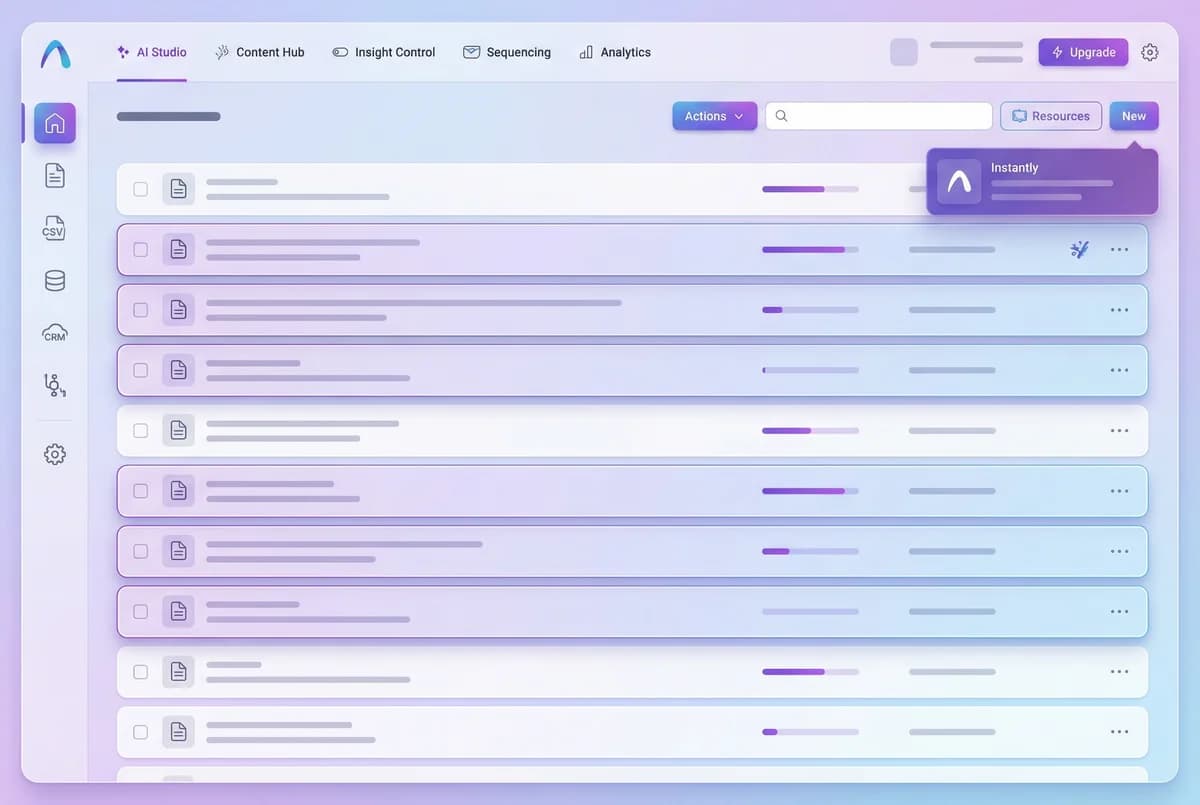
Connect your Instantly account to Autobound through the Settings > Integrations tab using native authentication. Then import your prospect list from HubSpot, Salesforce, a CSV upload, or any other supported source. Autobound maps each contact's email address, name, LinkedIn URL, and any custom fields you want to use for targeting.
For teams running high-volume cold email campaigns, Autobound supports bulk imports of 20,000+ contacts in a single campaign. Toggle continuous import for automatic hourly syncing so new prospects from your CRM lists are picked up without manual intervention.
Generate Personalized Content at Scale
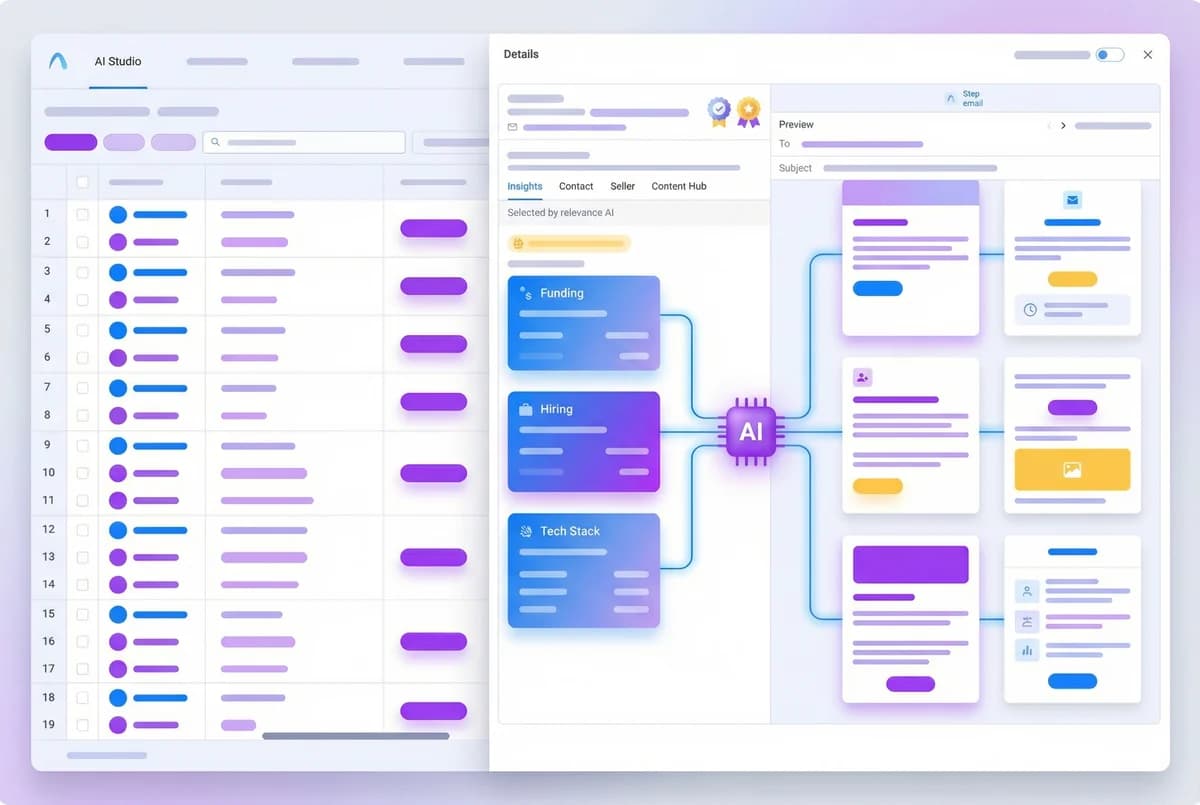
Autobound's AI engine researches each imported contact in real time, pulling from over 400 buyer signals -- funding rounds, leadership changes, hiring surges, tech stack shifts, earnings calls, product launches, competitive moves, and more. For every prospect, it generates fully written cold emails with unique subject lines and bodies that reference what actually matters to that specific buyer right now.
Content Hub lets you define your value propositions, messaging frameworks, sales methodology, and brand voice. Autobound auto-selects the right value prop for each prospect based on their signal profile, so every email is not just personalized -- it is strategically aligned to their pain points. Generate a single powerful email or a complete multi-step sequence with threaded insights across every touchpoint.
Push Content Directly to Instantly
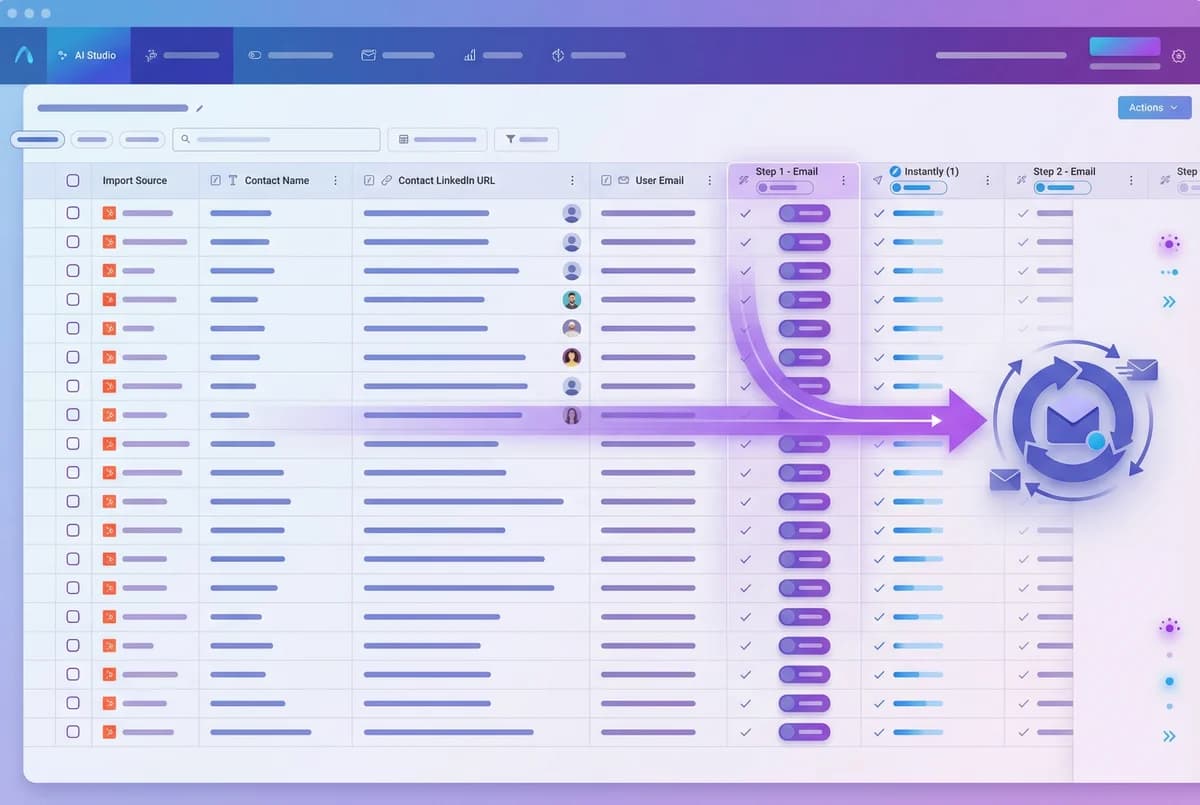
Autobound pushes AI-generated email content directly into your Instantly campaigns. Unlike CRM exports that require custom field setup and complex mapping, the Instantly integration is a direct push -- your personalized subject lines and email bodies land in Instantly ready to send. No custom field configuration, no workflow triggers to build, no middleware to maintain.
Use auto-run to export content as soon as generation completes, or review everything in Autobound first and push manually when you are ready. The field mapping between Autobound and Instantly handles the rest, ensuring each prospect's unique content lands in the right campaign slot.
Launch, Monitor, and Scale
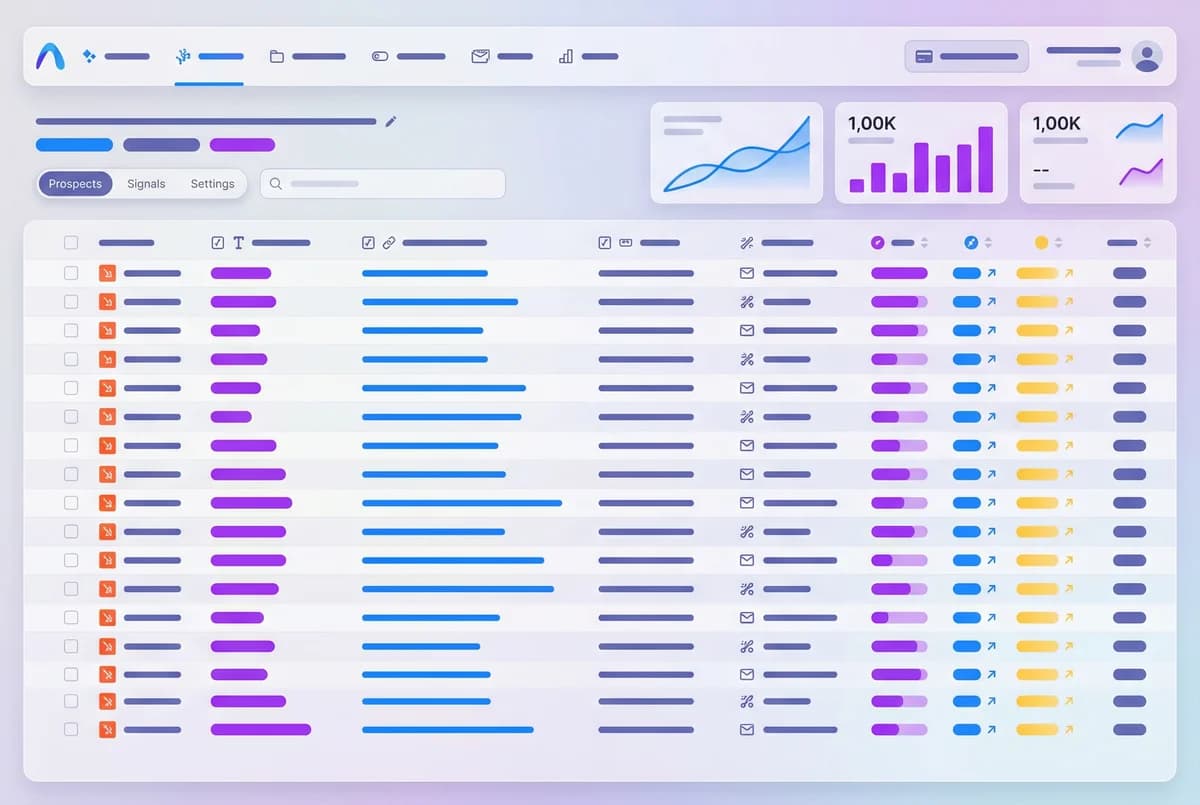
Choose how much control you want over every message. Autopilot mode lets Autobound generate and push content to Instantly automatically, so campaigns launch at scale without manual review -- ideal for high-volume prospecting where speed matters. Copilot mode gives you full visibility into every email before it ships, displaying the buyer signals and reasoning behind each draft so you can approve, edit, or regenerate with confidence.
Instantly's built-in sending infrastructure handles deliverability, warmup, and rotation across multiple sending accounts. Paired with Autobound's AI personalization, you get the best of both worlds: every email is unique enough to avoid spam filters and compelling enough to earn replies. Teams have scaled from a handful of test sends to tens of thousands of individually personalized cold emails, each one reading like a hand-crafted message.
Why Instantly Teams Need AI Personalization
Instantly is built for high-volume cold email. It handles sending infrastructure, warmup, inbox rotation, and deliverability at scale. But the emails inside those campaigns are typically the same template sent to every prospect with a first name and company name swapped in. Spam filters have gotten smarter, and prospects have gotten savvier -- identical templates sent to thousands of recipients get flagged, ignored, or both.
The manual alternative -- researching each prospect and writing a custom email -- produces dramatically better results but breaks down at Instantly's scale. A team sending to 10,000 prospects cannot hand-write 10,000 unique emails. Autobound solves this by generating truly unique content for every single recipient, powered by real-time buyer signals rather than generic tokens. The result is cold email that performs like hand-crafted outreach but scales like a template campaign.
How the Autobound-Instantly Integration Works
The integration connects through Autobound's AI Studio and pushes content directly into Instantly campaigns. Here is the workflow:
Connect: Authenticate your Instantly account from Settings > Integrations in Autobound. The native integration requires no API keys, no middleware, and no third-party connectors. Setup takes under two minutes.
Import: Pull prospects into Autobound from HubSpot, Salesforce, CSV uploads, or any supported data source. Autobound maps email, name, LinkedIn URL, and custom fields. For ongoing campaigns, enable continuous import to automatically sync new contacts hourly.
Generate: Autobound researches each prospect against 700+ real-time signals and generates unique email content. Content types include single emails, multi-step sequences, and opening lines. Content Hub ensures every message aligns with your approved value propositions, sales methodology, and brand voice guidelines.
Push: AI-generated content is pushed directly into your Instantly campaigns. Unlike CRM-based exports that require custom fields and workflow triggers, the Instantly integration is a streamlined direct push. Subject lines and email bodies land in Instantly ready for sending.
Send: Instantly handles the sending -- inbox rotation, warmup scheduling, and deliverability optimization. Every email is unique, which means better inbox placement and higher reply rates compared to template-based campaigns.
Scaling Cold Email Without Sacrificing Quality
The biggest challenge in cold email is the tradeoff between volume and quality. Templates scale but underperform. Manual personalization performs but does not scale. Autobound eliminates this tradeoff entirely.
Teams using Autobound with Instantly typically start with a test campaign of 100-500 prospects to validate messaging and signal selection. Once reply rates confirm the approach, they scale to thousands or tens of thousands of prospects with the same per-prospect personalization quality. Because Autobound generates content from real-time signals rather than static templates, even prospects at the same company receive different emails -- each referencing the signals most relevant to their specific role and context.
For agencies and teams managing multiple client accounts, Autobound supports separate Content Hub configurations per client, so brand voice, value propositions, and messaging frameworks stay isolated. Pair this with Instantly's multi-account sending infrastructure and you have a complete, scalable cold email operation where every message is unique, on-brand, and signal-driven.
Frequently asked questions
How does the direct push to Instantly work?
Autobound connects to your Instantly account through native authentication in Settings > Integrations. Once connected, AI-generated email content -- subject lines and bodies -- is pushed directly into your Instantly campaigns via Instantly's API. Unlike CRM-based exports that require custom field mapping and workflow triggers, the Instantly integration is a streamlined direct push. You can trigger the export manually after reviewing content, or enable auto-run to push content automatically as soon as generation completes.
Can I mix Autobound AI-generated content with my own Instantly templates?
Yes. You have full control over which steps in an Instantly sequence use Autobound's AI-personalized content and which use your own templates. For example, you might use Autobound for the first cold email (where signal-driven personalization has the highest impact on open and reply rates) and then follow up with your own proven Instantly templates for subsequent touches. This hybrid approach lets you leverage AI where it matters most while keeping your existing workflows intact.
What merge variables does Autobound create in Instantly?
Autobound maps AI-generated content to Instantly's merge variable system. The primary variables include the personalized subject line and email body for each step of your sequence. Autobound also passes through standard contact fields like first name, company name, and any custom fields you imported. The merge variable mapping is handled automatically -- you do not need to manually configure field mappings between the two platforms.
Does the integration work with Instantly's email warmup and inbox rotation?
Yes, and it actually enhances both. Instantly's warmup system benefits from Autobound's unique content because each email is genuinely different -- not a template with swapped tokens. This signals to email providers that your sending patterns are organic, which accelerates warmup and improves long-term deliverability. For inbox rotation, Autobound's per-prospect unique content means that even when Instantly rotates across multiple sending accounts, no two emails are identical, further reducing spam trigger risk.
Which Autobound plans include the Instantly integration?
The Instantly integration is available on all Autobound plans that include AI Studio access. This includes Pro, Scale, and Enterprise tiers. Free trial users can test the integration with limited export volume. For teams running high-volume campaigns (10,000+ prospects), the Scale or Enterprise plans provide the generation capacity and priority processing needed for large Instantly campaigns.
Other integrations
Autobound works across your entire sales stack.

Salesloft
Generate AI-personalized cadence content in AI Studio, then deliver it to Salesloft via CSV export -- with native Salesloft integration coming soon.

Outreach
Export AI-personalized content from Autobound AI Studio directly into Outreach's 35 built-in custom fields. Your sequences reference those fields as variable tokens -- when fields update, Outreach auto-enrolls prospects and sends from the mapped owner's account.

Generate AI-personalized InMails and connection requests from any LinkedIn profile with the Chrome Extension, or create bulk LinkedIn content at scale with AI Studio. Autobound generates the content -- you send it.
Use Cases
See how teams use Autobound
From autopiloted SDRs to enterprise copilots -- explore real workflows.
Platform
Explore the platform
Signal Engine, Insights Engine, Content Hub -- see the full product.
Success Stories
Real results from real teams
See how companies are driving replies, meetings, and revenue.
Related Articles
Nobody Lies to r/sysadmin: Reddit Is Now a B2B Signal Source
Autobound now mines 550+ hand-vetted business communities for 15 types of B2B signal: buying intent, pricing revolts,...
Patents are a buying signal. We rebuilt ours from the string up.
A relaunched patent signal feed: four subtypes, an entity-resolution engine that turns raw assignee strings and inven...
What's New at Autobound Signal API: Fall 2026
Real, typed buying signals from 12,000 podcast episodes a day and 5,400 conference agendas a year, with the executive...

Explore signal data
35+ data sources. 250M+ contacts. Custom configurations for your use case.