

AI-Personalized Content for Your Salesloft Cadences
Generate AI-personalized cadence content in Autobound's AI Studio using 700+ real-time buyer signals, then deliver it to Salesloft via CSV export. A native Salesloft integration is coming soon -- no templates, no manual research.
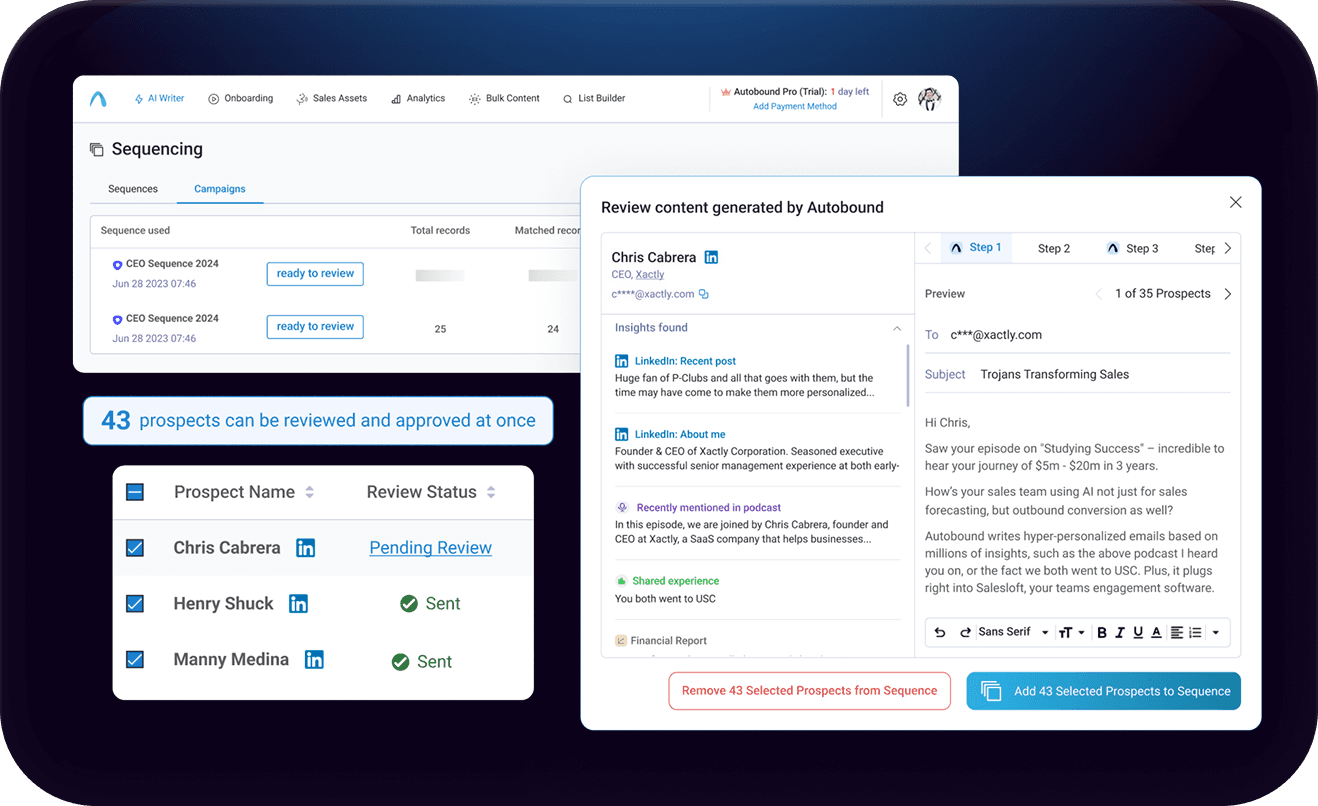
Generate AI-Personalized Cadence Content for Salesloft
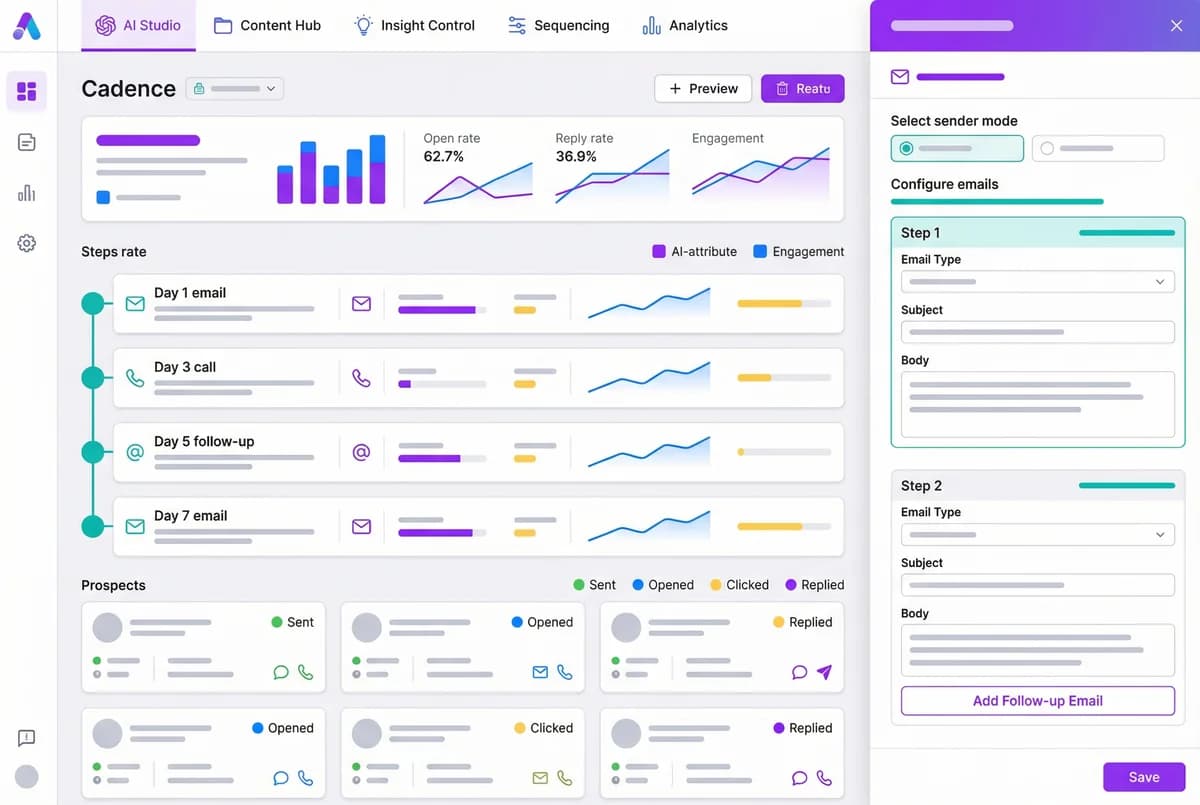
Generate AI-personalized cadence content in AI Studio, then deliver it to Salesloft via CSV export -- with native Salesloft integration coming soon.
Key capabilities
What Autobound + Salesloft unlocks for your team.
AI-Personalized Cadence Content
Generate unique email content for every step of your Salesloft cadences. Each prospect gets individually crafted messaging -- no templates, no manual research.
700+ Real-Time Buyer Signals
Autobound researches funding rounds, leadership changes, hiring trends, tech stack shifts, earnings calls, and more to inform every email.
Content Hub Brand Control
Define your value propositions, messaging frameworks, and brand voice. Autobound auto-selects the right positioning for each prospect based on their signals.
CSV Export Workflow
Export AI-generated content from AI Studio as a CSV, then import into Salesloft using numbered custom fields and {{AutoboundContent}} variables.
Native Salesloft Integration Coming Soon
A direct Salesloft export is in development, which will push personalized content directly into cadence fields -- eliminating the CSV step entirely.
Available on All Plans
The Salesloft workflow is available on every Autobound plan, including the free Basic tier. No enterprise upgrade required to get started.
How it works
Get up and running with Salesloft in 4 simple steps.
Generate Content in AI Studio
Import your prospect list into Autobound's AI Studio from HubSpot, Salesforce, or a CSV upload. For each contact, Autobound researches 700+ real-time buyer signals -- funding rounds, leadership changes, hiring surges, tech stack shifts, earnings calls, and more -- and generates unique email content for every cadence step.
Content Hub lets you define your value propositions, messaging frameworks, and brand voice. Autobound auto-selects the right value prop for each prospect based on their signal profile, so every email is strategically aligned to what matters to that buyer.
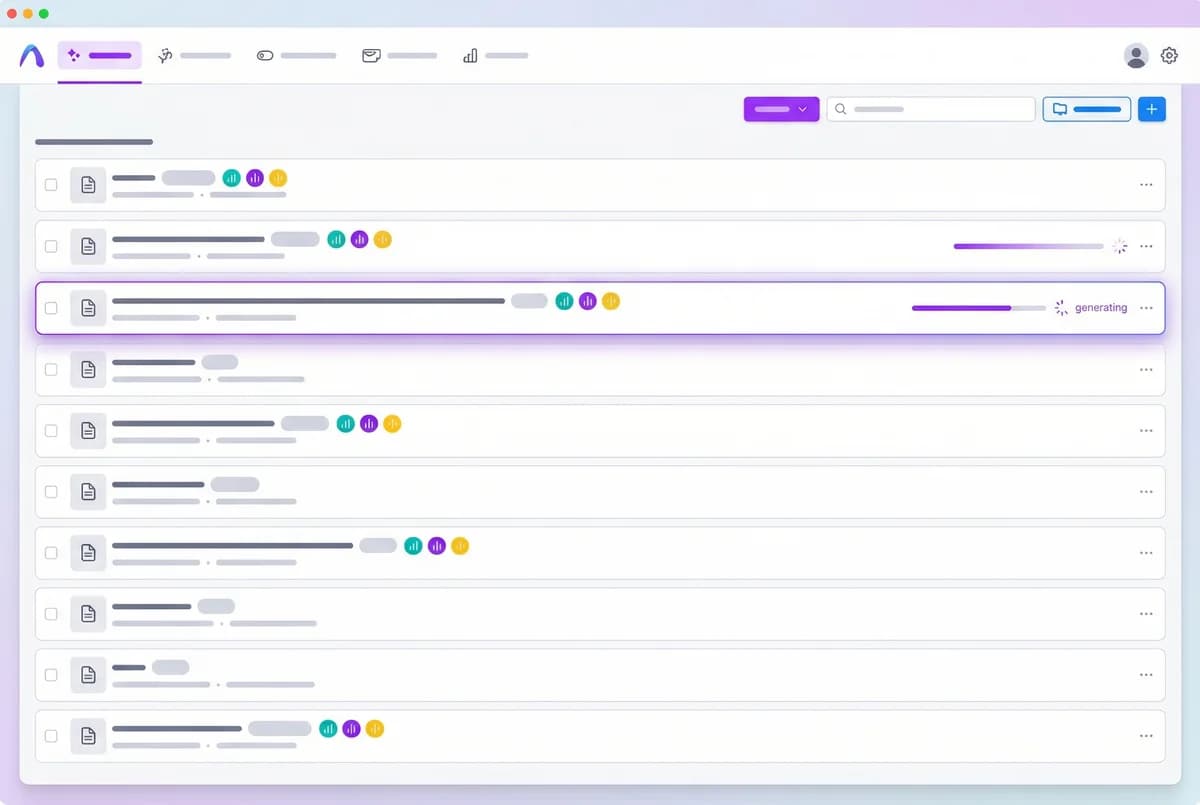
Personalize with 700+ Buyer Signals
Autobound's AI engine goes beyond basic first-name-and-company tokens. For each prospect, it generates fully written emails with unique subject lines and bodies that reference specific, timely signals: a recent acquisition, a VP hire, a product launch, a conference appearance, or a shared alma mater. Every email in the cadence tells a coherent, prospect-specific story.
Generate a single powerful email or a complete multi-step sequence with threaded insights across every touchpoint. Content Hub ensures consistent brand voice and messaging frameworks across all generated content.
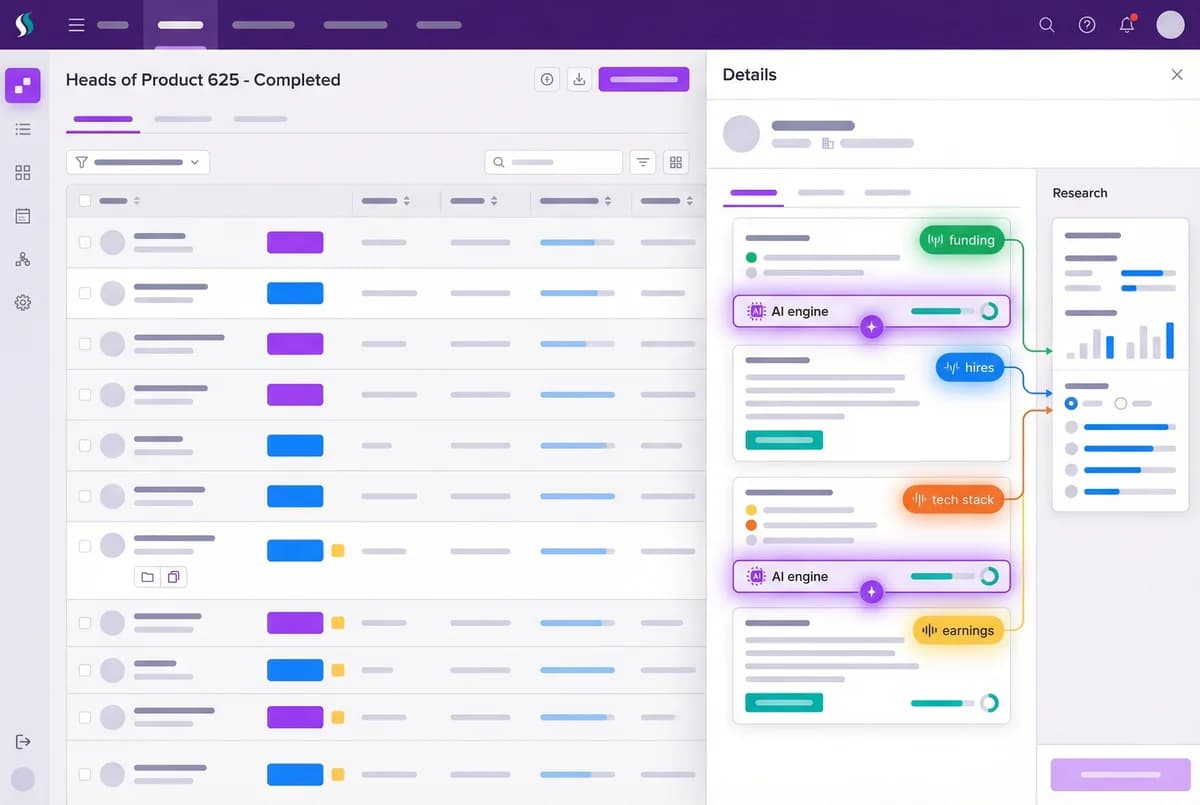
Export via CSV to Salesloft
Export your AI-generated content from AI Studio as a CSV file. In Salesloft, create numbered custom fields and reference them in your cadence email steps using {{AutoboundContent1}}, {{AutoboundContent2}}, and so on. Import the CSV into Salesloft, and each prospect's personalized content automatically populates the corresponding cadence step.
This workflow is available today on all Autobound plans, including the free Basic tier. A native Salesloft export is coming soon, which will eliminate the CSV step and push content directly into Salesloft cadence fields.
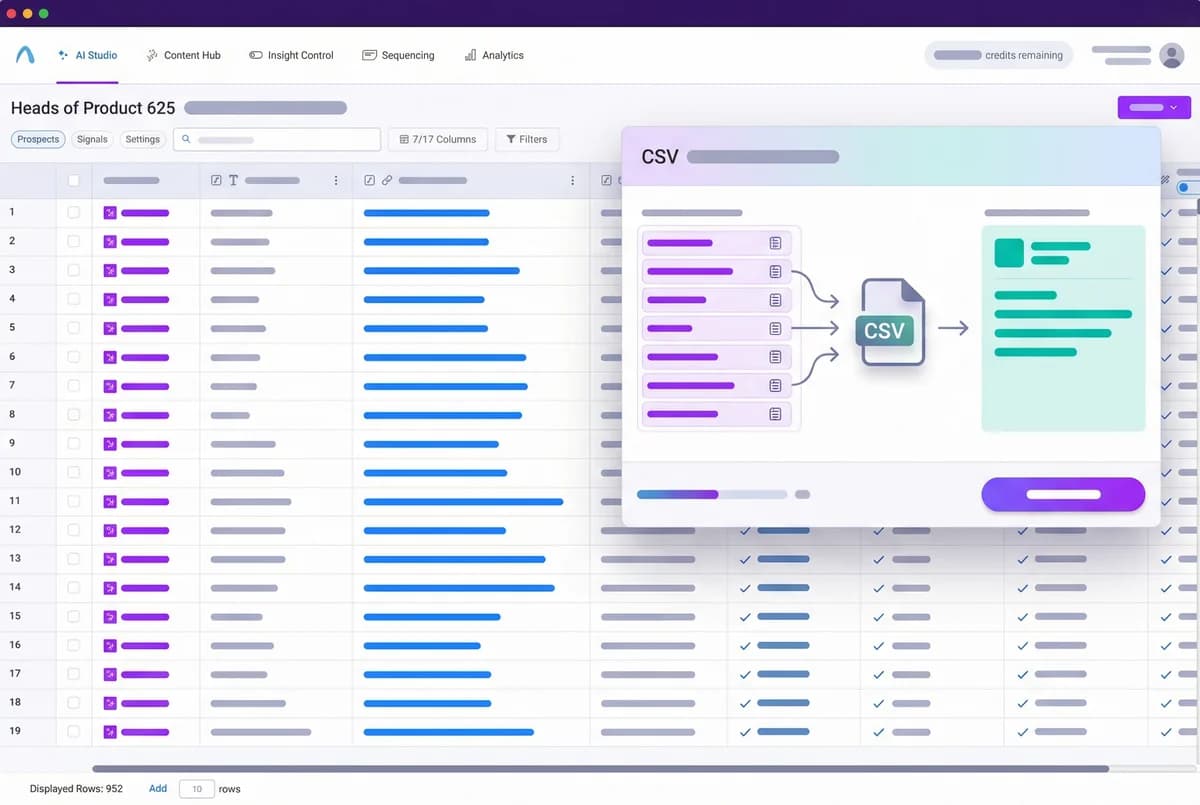
Send and Track in Salesloft
Because your emails send natively through Salesloft, all engagement data -- opens, replies, click-throughs, and meetings booked -- flows through Salesloft's built-in analytics. Your existing dashboards, A/B tests, and team reports work exactly as before, so you can measure the impact of AI personalization using the tools you already trust.
A native Salesloft export is coming soon, which will let Autobound push content directly to Salesloft cadence fields without the CSV step. In the meantime, the CSV workflow is production-ready and used by teams sending thousands of personalized cadence emails every week.
Why Salesloft Cadences Need More Than Templates
Salesloft cadences are powerful for structuring multi-touch outreach. But the emails inside those cadences are typically the same template sent to every prospect with a first name and company name swapped in. Prospects recognize the pattern immediately, and reply rates suffer as a result.
The manual alternative -- researching each prospect and writing custom emails for every cadence step -- produces great results but does not scale. A rep running 150 prospects through a 6-step cadence would need to write 900 unique emails. No team can sustain that.
Autobound solves this by generating truly unique, signal-driven content for every prospect in AI Studio. The finished content is then delivered to Salesloft via CSV export using numbered custom fields -- and a native Salesloft export integration is coming soon to make this even more seamless.
How the Autobound + Salesloft Workflow Works Today
Autobound generates AI-personalized cadence content in AI Studio, powered by 700+ real-time buyer signals: recent press mentions, executive changes, technology adoption, open job requisitions, earnings call themes, LinkedIn activity, shared alma maters, and more. Every email is unique to the recipient because it is built from their specific data and context.
Once content is generated, you export it from AI Studio via CSV. In Salesloft, you set up numbered custom fields and use {{AutoboundContent1}}, {{AutoboundContent2}}, and so on as variables in your cadence email steps. Import the CSV into Salesloft, and each prospect's personalized content populates the corresponding cadence step automatically.
This workflow is available today on all Autobound plans, including the free Basic tier. A native Salesloft export -- eliminating the CSV step entirely -- is coming soon and is already listed in Autobound's pricing as an upcoming capability.
Preserving Native Salesloft Analytics
Because all emails ultimately send through Salesloft, your engagement data -- opens, replies, meetings booked -- flows through Salesloft's native analytics. Your reporting, A/B tests, and team dashboards work exactly as they do today.
For sales leaders, this means you can compare cadence performance before and after AI personalization using the same Salesloft dashboards you already rely on, giving you clear data on the revenue impact of personalized outreach at scale.
AI sequencing with Salesloft
Autobound integrates seamlessly with Salesloft sequences. Import your existing sequences, select which steps to personalize, and let AI generate unique content for every prospect at every step.
Every step personalized
Not just the first email -- every follow-up is uniquely generated using real-time signals like funding, hiring, news, and social activity.
Review and approve
AI drafts every message, but you maintain control. Review, edit, and approve before sending -- ensuring brand safety at scale.
Scale without sacrifice
Run sequences to hundreds or thousands of prospects with the same quality you would give to one.
Frequently asked questions
How does the CSV export workflow work with Salesloft?
Generate AI-personalized content in Autobound's AI Studio, then export it as a CSV file. In Salesloft, create numbered custom Person fields (e.g., "Autobound Content 1" through "Autobound Content 10"). In your cadence email steps, reference these fields using variables like {{AutoboundContent1}}, {{AutoboundContent2}}, etc. When you import the CSV into Salesloft, each prospect's personalized content automatically populates the corresponding cadence step.
When will the native Salesloft integration be available?
The native Salesloft export is currently listed as "coming soon" in Autobound's product roadmap. When launched, it will allow Autobound to push AI-generated content directly into Salesloft cadence fields without requiring a CSV export and import. In the meantime, the CSV workflow is fully production-ready and used by teams sending thousands of personalized emails weekly. Sign up or contact sales for the latest timeline.
Which Autobound plans include the Salesloft workflow?
The Salesloft CSV export workflow is available on all Autobound plans, including the free Basic tier. You can generate AI-personalized content in AI Studio and export it for use in Salesloft regardless of your plan level. The upcoming native Salesloft integration will also be available across plans -- check the pricing page for the latest details on plan-specific features.
How does Autobound personalize content for each prospect?
Autobound's AI engine researches each prospect using over 400 real-time buyer signals, including funding rounds, executive changes, hiring surges, technology adoption, earnings call themes, press mentions, LinkedIn activity, shared alma maters, and more. It then generates unique email content that weaves the most relevant signals into compelling, human-sounding messaging. Content Hub ensures every email aligns with your approved value propositions and brand voice.
Are Salesloft analytics preserved when using Autobound-generated content?
Yes. Because all emails send natively through Salesloft, your engagement data -- opens, replies, click-throughs, and meetings booked -- flows through Salesloft's built-in analytics. Your existing dashboards, A/B tests, and team reports work exactly as before. This lets you directly compare cadence performance before and after adding AI personalization using the same Salesloft reporting tools you already rely on.
Other integrations
Autobound works across your entire sales stack.

Outreach
Export AI-personalized content from Autobound AI Studio directly into Outreach's 35 built-in custom fields. Your sequences reference those fields as variable tokens -- when fields update, Outreach auto-enrolls prospects and sends from the mapped owner's account.

Instantly
Push AI-generated, individually personalized cold emails into Instantly campaigns at scale -- from one prospect to twenty thousand.

Generate AI-personalized InMails and connection requests from any LinkedIn profile with the Chrome Extension, or create bulk LinkedIn content at scale with AI Studio. Autobound generates the content -- you send it.
Use Cases
See how teams use Autobound
From autopiloted SDRs to enterprise copilots -- explore real workflows.
Platform
Explore the platform
Signal Engine, Insights Engine, Content Hub -- see the full product.
Success Stories
Real results from real teams
See how companies are driving replies, meetings, and revenue.
Related Articles
Patents are a buying signal. We rebuilt ours from the string up.
A relaunched patent signal feed: four subtypes, an entity-resolution engine that turns raw assignee strings and inven...
What's New at Autobound Signal API: Fall 2026
Real, typed buying signals from 12,000 podcast episodes a day and 5,400 conference agendas a year, with the executive...
What's New at Autobound Signal API — August 2026
August at Autobound: podcast intelligence at scale, subtype filtering on enrich that cuts credit spend, and SEO signa...

Explore signal data
35+ data sources. 250M+ contacts. Custom configurations for your use case.